
How to Automate Lead Generation with Fetch AI Smart Extractor
2026-06-13
5 min read
Nabil Wassim
Tutorial
Learn how to supercharge your lead generation workflow. Fetch AI extracts emails and phone numbers from websites and processes up to 1,000 URLs automatically.
Why Manual Lead Generation is Holding Your Business Back
For growth hackers, digital marketers, and outbound sales teams, continuous lead generation is the definitive backbone of monthly revenue. To keep your pipeline healthy, you need a steady stream of validated contact details. However, many professionals still waste hours every day manually browsing directories, clicking through corporate pages, and copying emails or phone numbers into Excel spreadsheets.
This manual data entry is not just tedious; it is a major bottleneck holding your business back. Manual extraction restricts your operational scalability, limits your daily outreach volume, and introduces costly human errors into your database. When your sales team spends 70% of their time finding leads and only 30% pitching them, your growth stalls.
To scale your outbound pipeline effectively, you need an intelligent automation system that handles the scraping logistics automatically while you focus on what actually moves the needle: closing high-ticket deals. That is exactly where Fetch AI Smart Email & Phone Extractor comes into play.
Introducing Fetch AI: The Ultimate Data Extraction Tool
Fetch AI is a powerful, privacy-first browser extension engineered specifically to automate prospecting logistics safely. Unlike traditional cloud-based scrapers that require complex API setups, proxy integrations, or coding knowledge, Fetch AI works natively inside your active desktop browser. It turns your browser into a high-speed data collection machine that works while you browse, identifying valuable public contact details instantly.
The core philosophy behind Fetch AI is giving business owners a premium tool that bypasses the friction of expensive, subscription-heavy B2B databases. Instead of buying outdated lists with cold, unresponsive data, Fetch AI empowers you to extract fresh, highly relevant contact details straight from the source.
Here is how you can leverage its key automation features to completely transform your data collection workflow:
1. Instant Smart Page Scanning
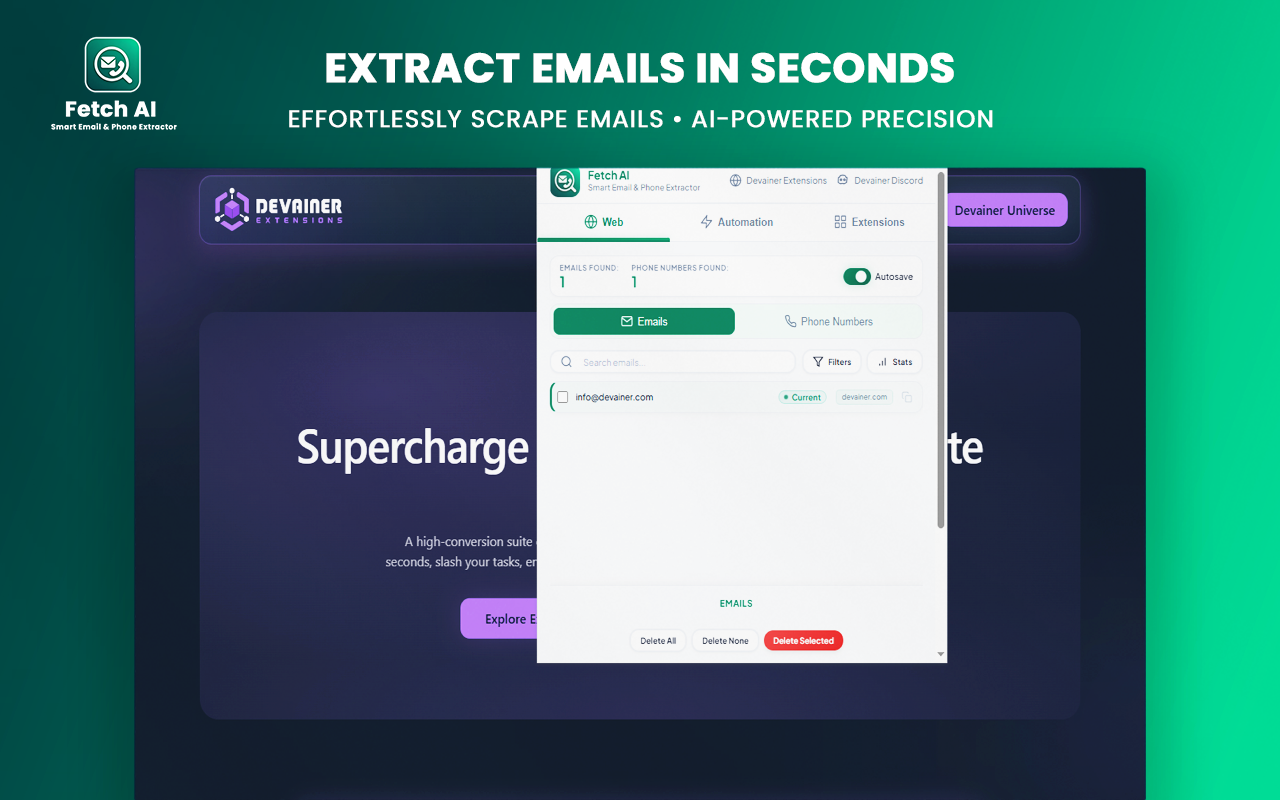
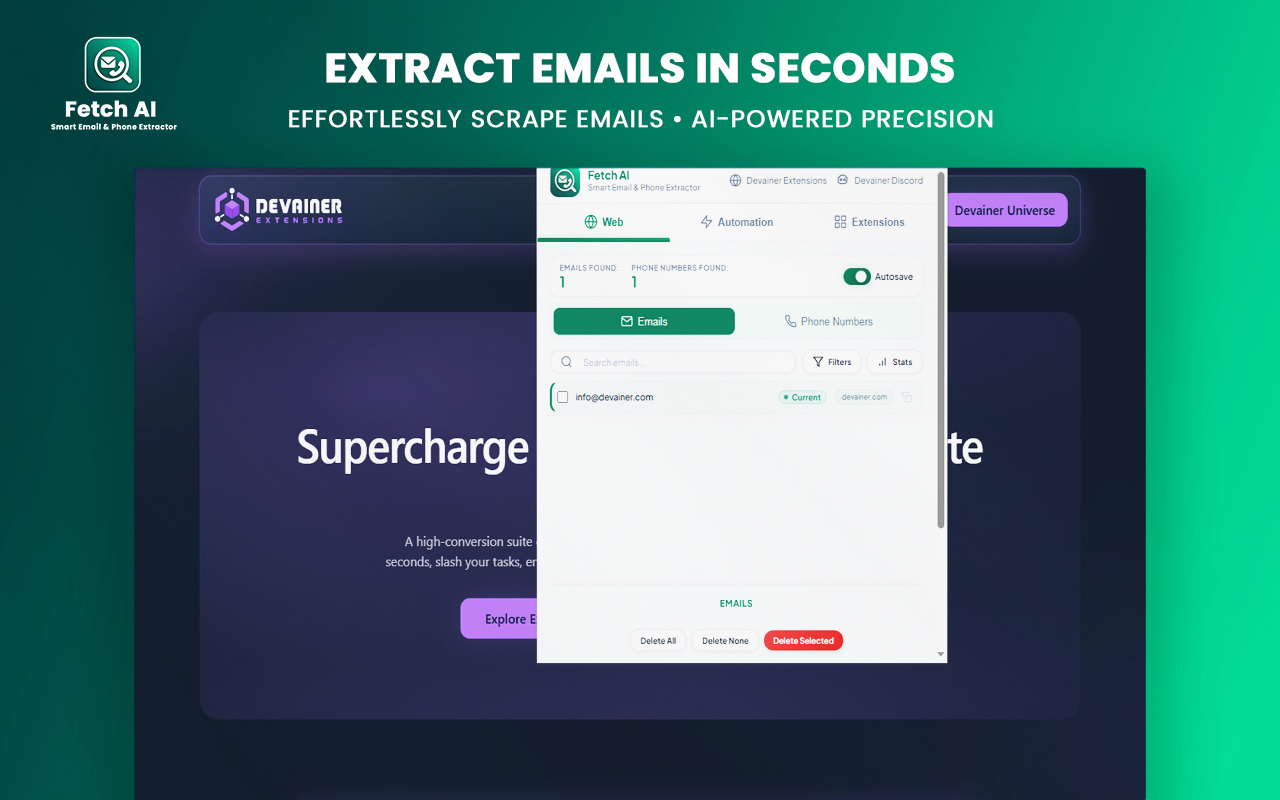
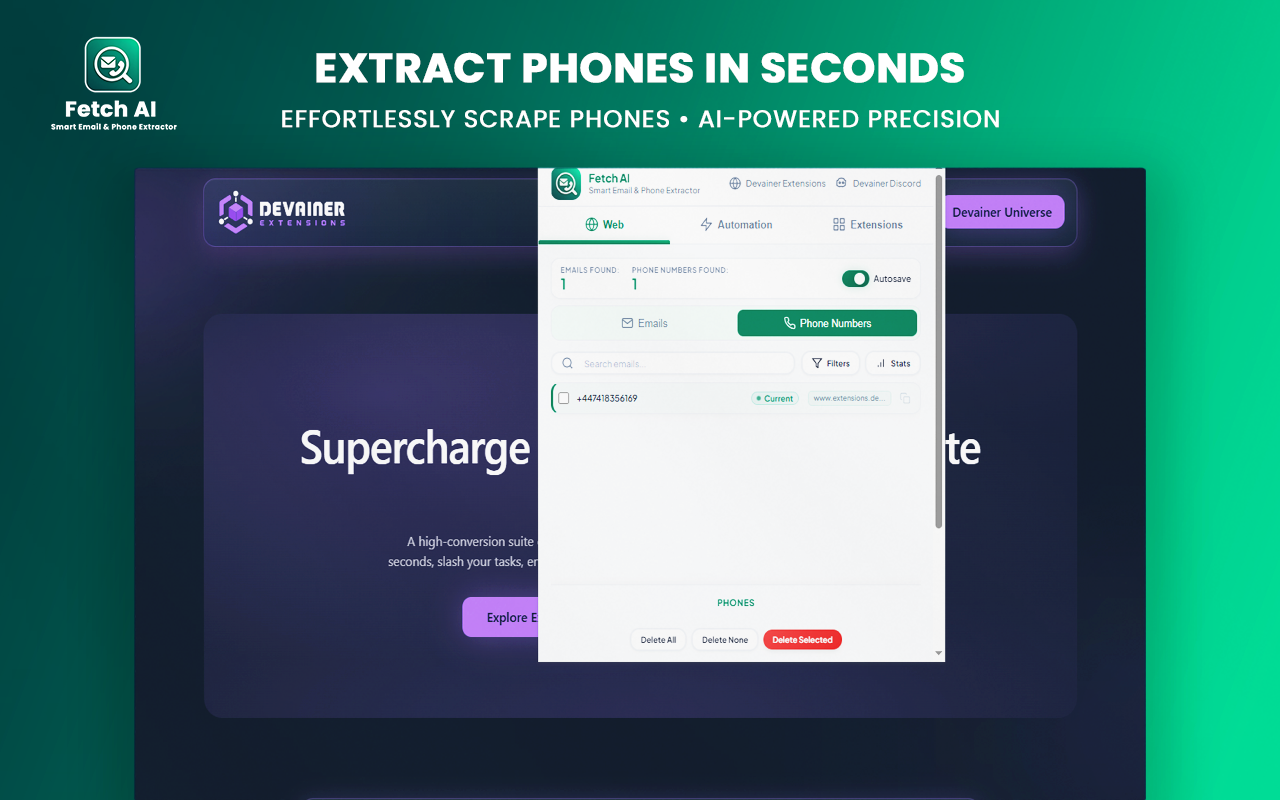
As you navigate public websites, business directories, or LinkedIn profiles, Fetch AI operates locally in the background. The extension automatically parses the page's HTML structure, extracts valid email formats and telephone numbers, and compiles them into a structured view. This completely eliminates manual copy-pasting, letting you gather verified contacts simply by visiting a website.
2. High-Volume Batch URL Processing
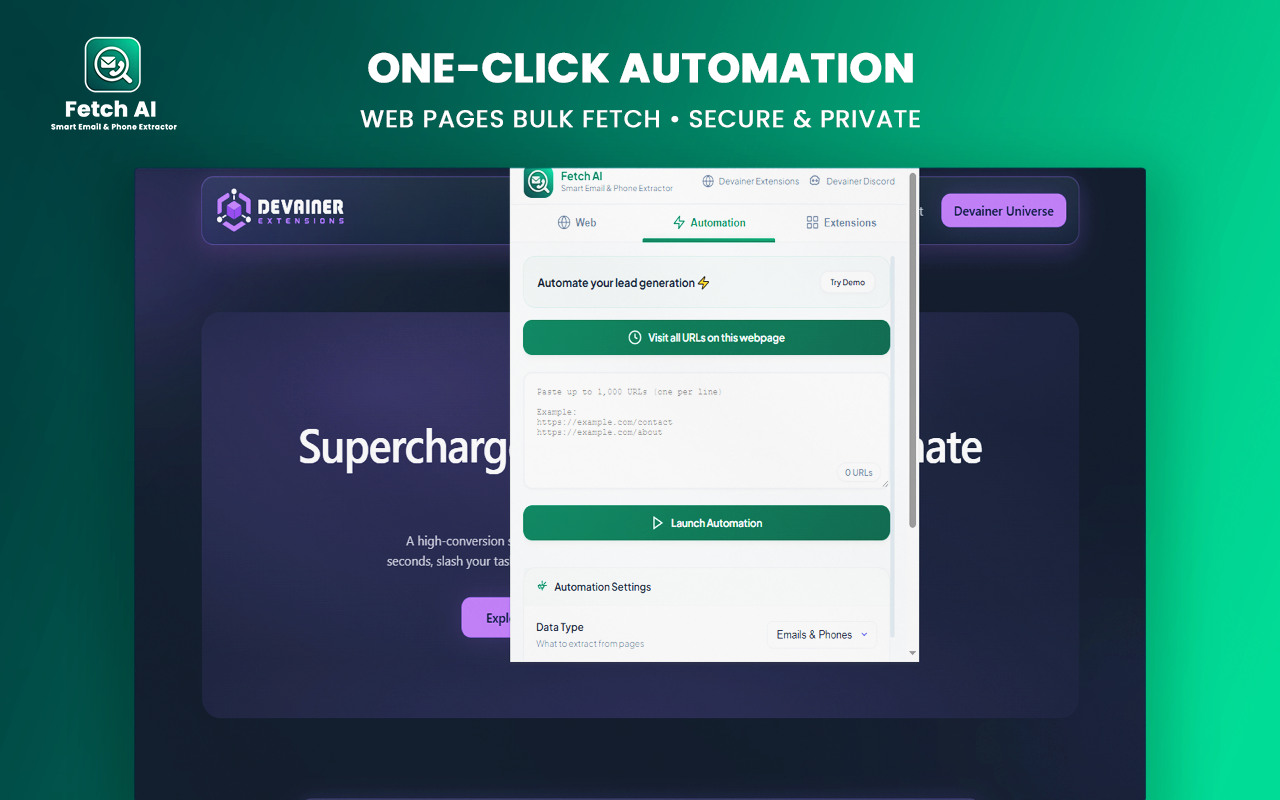
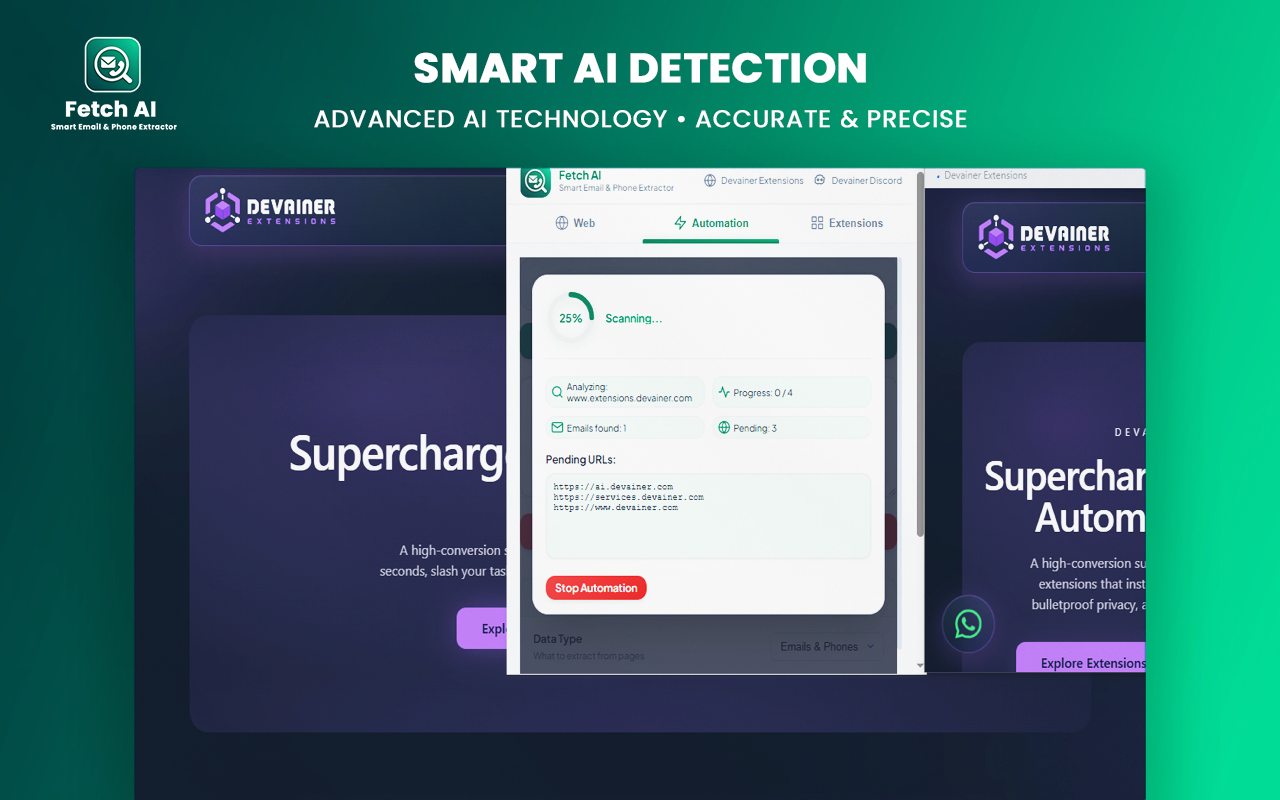
If you already have a pre-compiled list of target prospect websites, you do not need to open them manually one by one. With the built-in Batch URL Processing tab, you can paste up to 1,000 links simultaneously. Fetch AI will systematically queue, launch, and extract lead data from those web pages on autopilot. It uses intelligent human-like delays between pages to ensure seamless execution.
3. Universal Privacy-First Architecture
In modern lead generation, data compliance is crucial. Fetch AI features a strict privacy-first design, meaning 100% of the extraction and parsing happens locally on your local machine. Your browsing sessions, target URLs, and scraped lead databases are never sent to external servers or third-party cloud storage, guaranteeing absolute security against data leakage.
Step-by-Step: How to Extract Thousands of Leads in Seconds
Transitioning from slow manual scraping to high-speed automated lead extraction takes less than two minutes. Follow these simple steps to optimize your data collection workflow:
Step 1: Install and Activate
Download Fetch AI from the Chrome Web Store. Once active, open the extension dashboard whenever you visit a public platform or business listing site.
Step 2: Run Bulk Operations
For mass prospecting, open the Batch URL tab. Paste your list of target domains, set your customized cooling intervals, and click start to let the background runner compile your database.
Step 3: Clean and Export
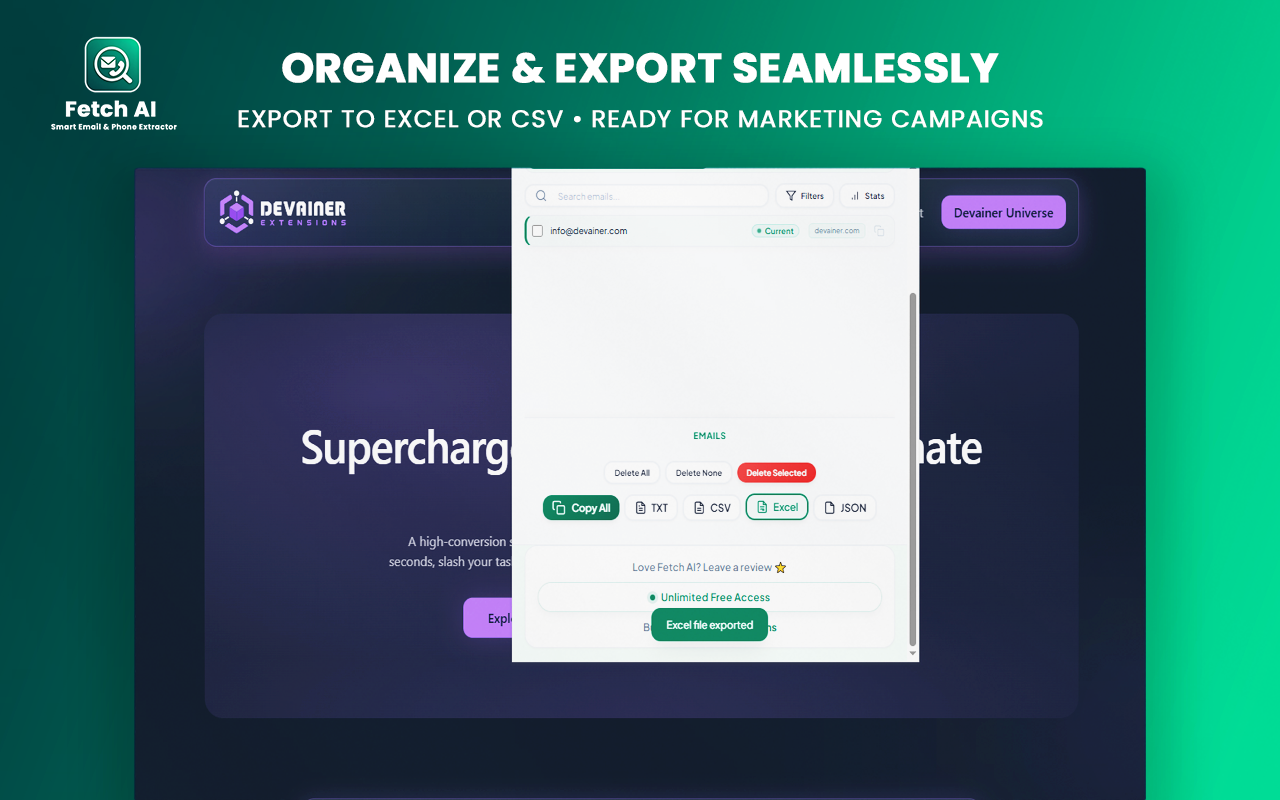
Use the built-in filters to automatically strip out any duplicates or low-quality strings. Once your list is polished, export your fresh leads into standard CSV, Excel (XLSX), TXT, or JSON formats to plug directly into your preferred CRM or email automation sequence.
Conclusion: Scale Your Cold Outreach Ecosystem on Autopilot
The equation for successful outbound sales is simple: more high-quality leads equals more conversion opportunities. If you continue to rely on manual scraping methods, you are actively giving your competitors the upper hand.
By equipping your desktop browser with Fetch AI, you instantly automate the heavy lifting of data prospecting. Stop grinding through web directories manually—deploy Fetch AI today, capture thousands of fresh contacts, and scale your sales revenue on autopilot.
Once your list is polished, export your fresh leads into your preferred CRM or outreach pipeline. To maximize your conversions, you can instantly analyze these extracted domains using our SEO Scanner Pro AI tool. This allows you to pitch prospects with solid, data-backed insights that instantly build trust and close high-ticket deals.
Ready to Supercharge Your Lead Generation Pipeline?
Join thousands of smart growth hackers and sales teams who rely on Fetch AI. Stop wasting time on manual data scraping—install the extension today and build clean target lists on autopilot.
Install Fetch AI NowFrequently Asked Questions
Is it safe to use Fetch AI for high-volume extraction?▼
Yes, absolutely. Fetch AI runs completely locally within your browser and mimics natural browsing behavior during batch URL processing, ensuring your scraping workflow remains safe and secure.
Can I directly import the extracted leads into my CRM?▼
Yes. Fetch AI allows you to export your data into clean CSV or Excel files, which are natively compatible with HubSpot, Salesforce, Zoho, and all major email marketing platforms.
Does Fetch AI require any technical API configurations?▼
Not at all. Fetch AI is engineered for maximum simplicity with zero learning curve. There are no APIs to connect or proxies to configure—the tool works out-of-the-box right after installation.
Is there a hard limit on how many websites I can scan daily?▼
No, there are no artificial boundaries or data usage caps. Fetch AI allows unlimited local page scanning and processes batch queues of up to 1,000 URLs per session, giving you full freedom to scale your outreach.
Nabil Wassim
Blog Author
Article Info
2026-06-13
5 min read
Nabil Wassim
Tutorial